Login/Sign Up Sign Out
{{ messageCategory.totalUnreadNum }}
APSGO LOGO
{{ item.sku_info.spec_desc }}
{{ item.count }}x
Combination {{ combo.product.name }}
{{ combo.sku_info.spec_desc }}
x1
Total Price:
View Cart
No APPS available
{{ carts.count }}件
Cart
Home Overview iStat Menus 7 macOS system status monitoring tool software
iStat Menus 7 macOS system status monitoring tool software
-4% OFF!
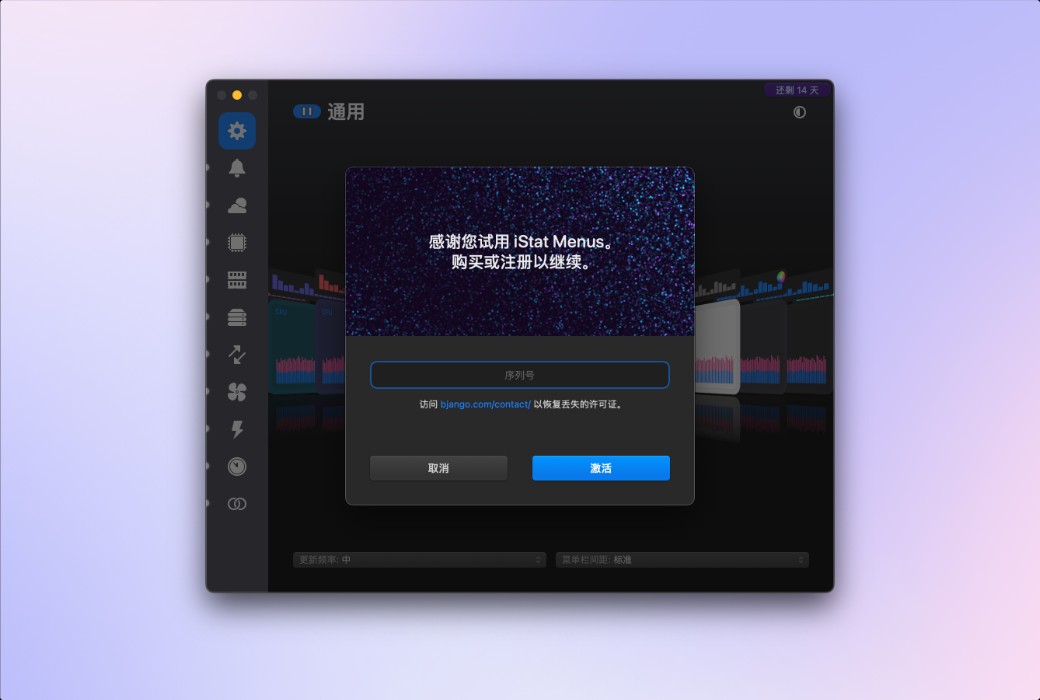
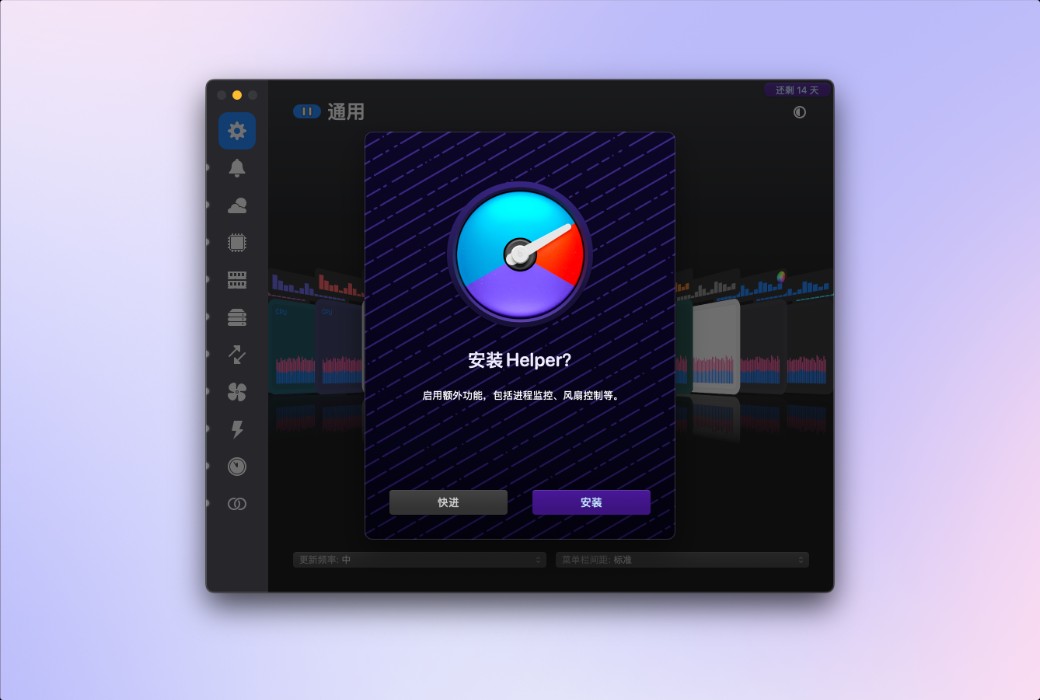
iStat Menus 7 macOS system status monitoring tool software截图 iStat Menus 7 macOS system status monitoring tool software截图 iStat Menus 7 macOS system status monitoring tool software截图 iStat Menus 7 macOS system status monitoring tool software截图 iStat Menus 7 macOS system status monitoring tool software截图 iStat Menus 7 macOS system status monitoring tool software截图 iStat Menus 7 macOS system status monitoring tool software截图 iStat Menus 7 macOS system status monitoring tool software截图 iStat Menus 7 macOS system status monitoring tool software截图 iStat Menus 7 macOS system status monitoring tool software截图 iStat Menus 7 macOS system status monitoring tool software截图 iStat Menus 7 macOS system status monitoring tool software截图 iStat Menus 7 macOS system status monitoring tool software截图 iStat Menus 7 macOS system status monitoring tool software截图 iStat Menus 7 macOS system status monitoring tool software截图 iStat Menus 7 macOS system status monitoring tool software截图 iStat Menus 7 macOS system status monitoring tool software截图 iStat Menus 7 macOS system status monitoring tool software截图
Download
iStat Menus 7 macOS system status monitoring tool software Australia
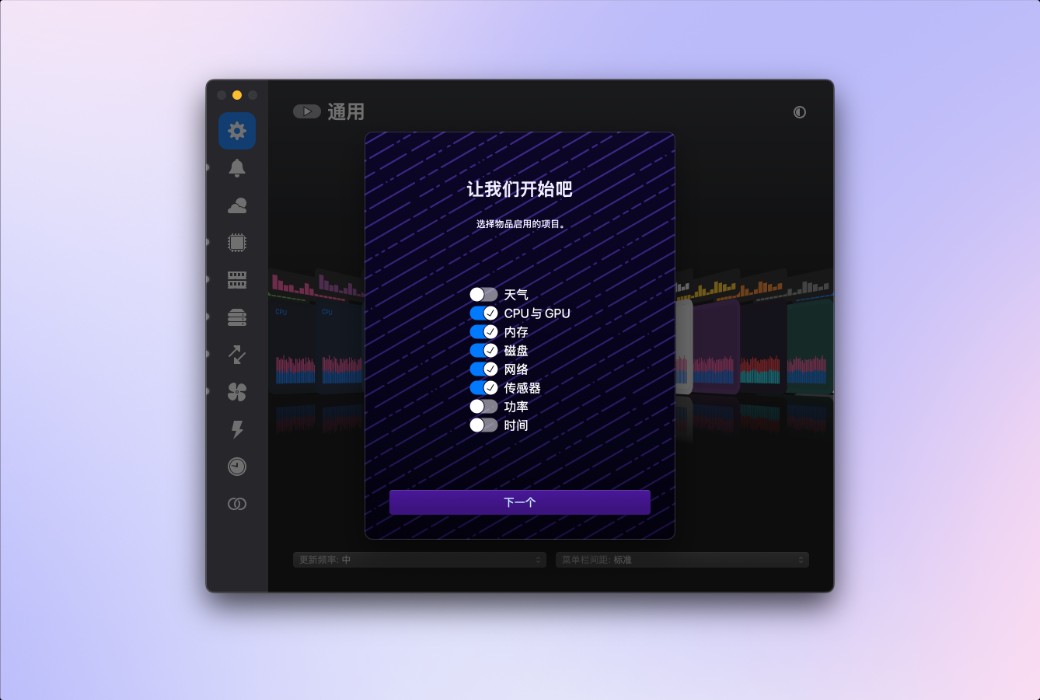
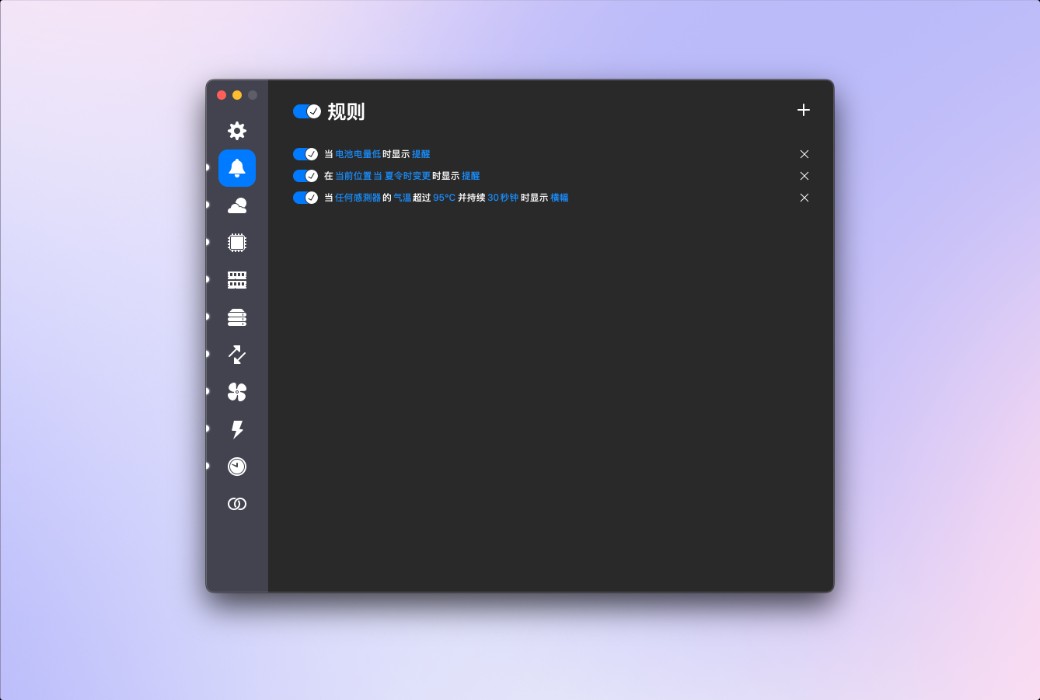
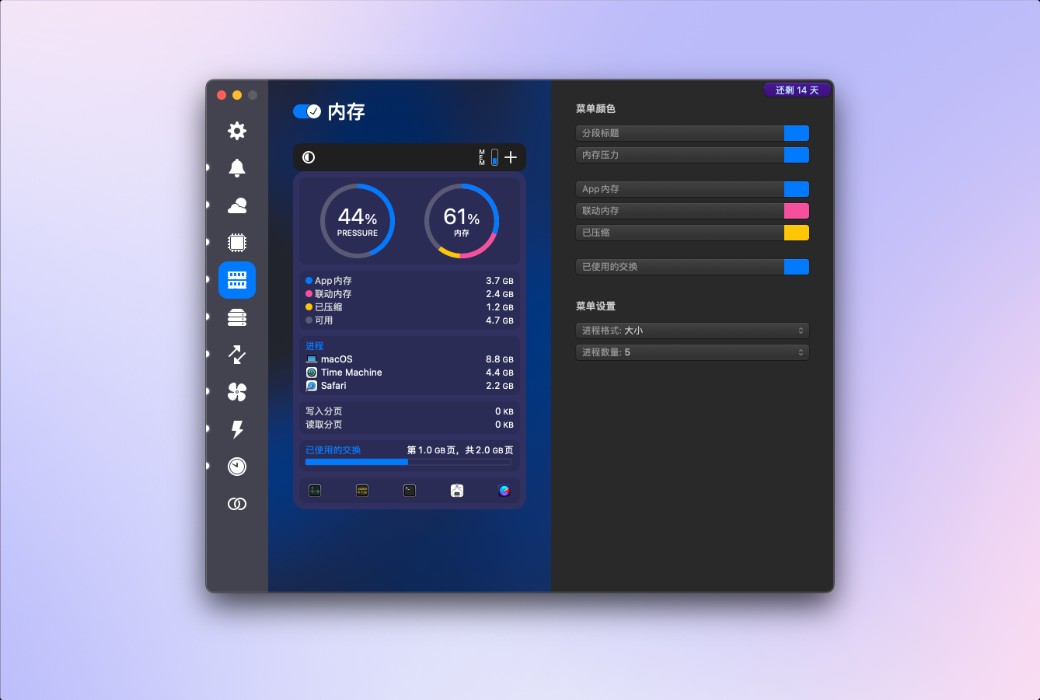
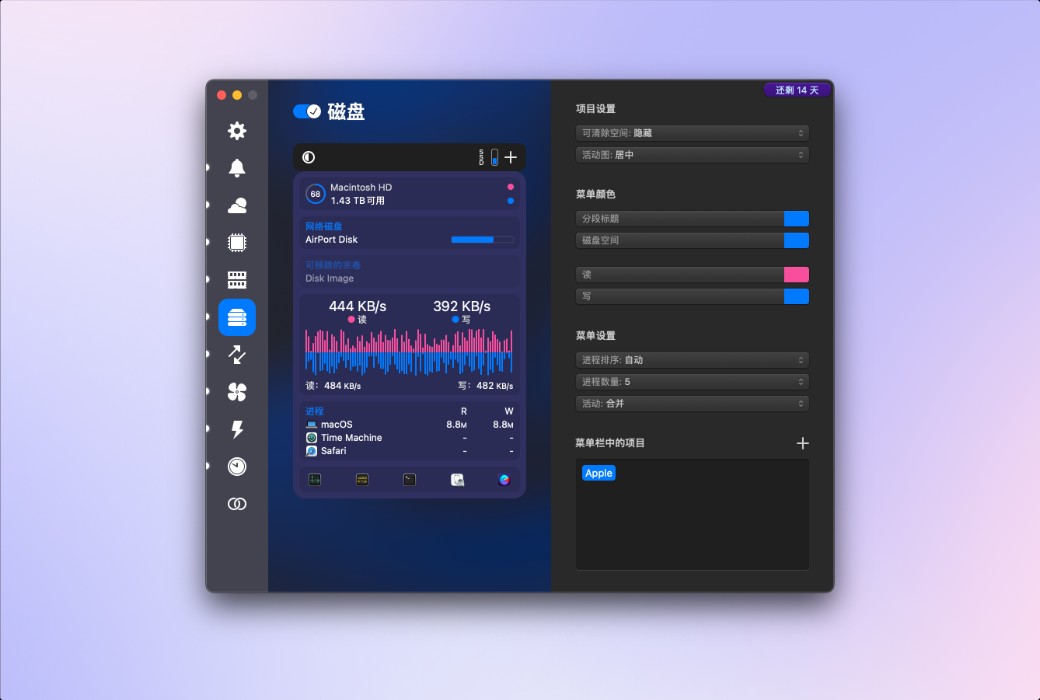
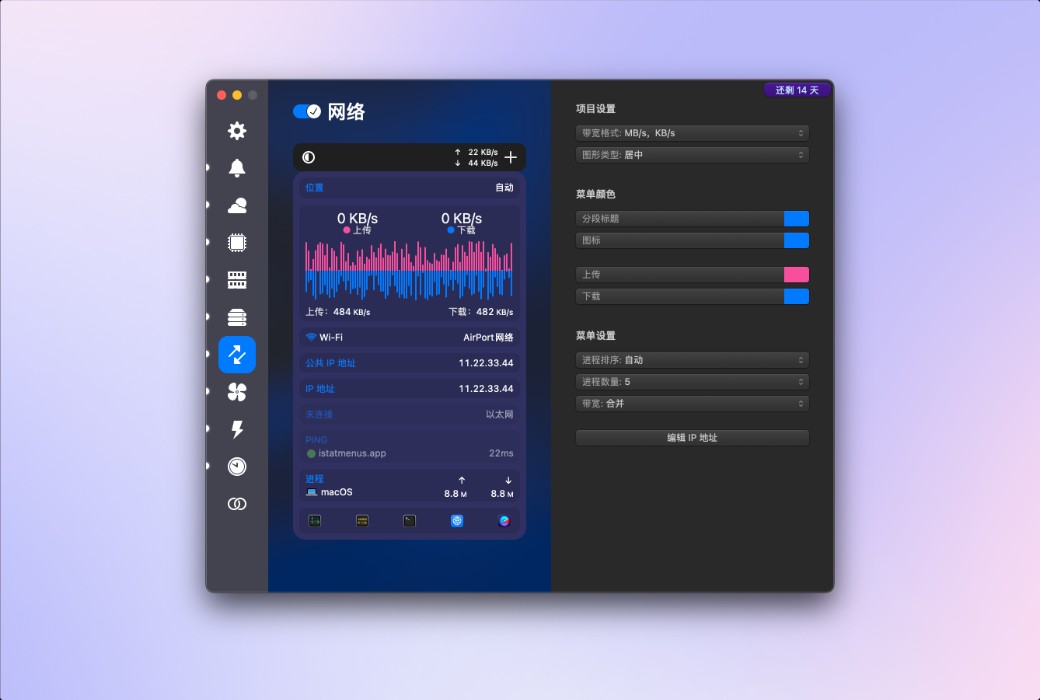
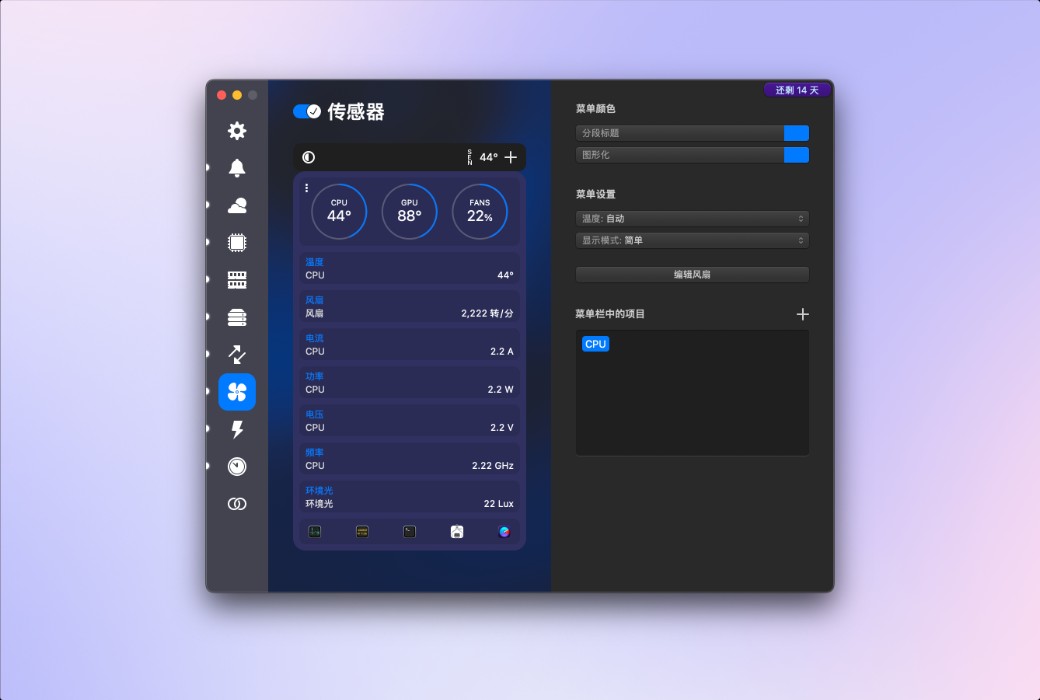
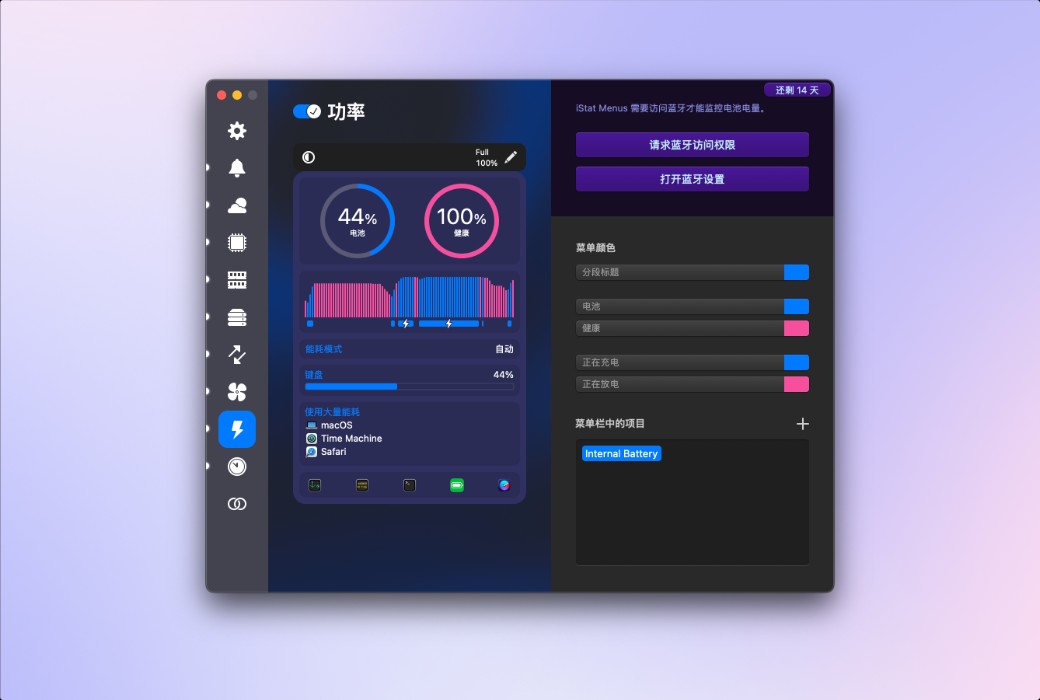
iStat Menus is the ultimate system monitoring tool for macOS, displaying detailed data such as CPU, memory, network, disk, sensors, and weather in real-time on the menu bar. It supports high customization, intelligent notifications, and fan control. With an aesthetically pleasing interface and minimal resource consumption, it is the preferred system status monitoring software for Mac users.
Version:
Family license Single License
* Purchase this specification to receive the following gifts : ( Buy 1 or more items and the offer is valid until stock lasts )
x {{ item.count }}
{{ info.promotion.title }}
Note: In seckill, once sold out, the original price will be restored!
Hurry! Limited-time offer ends soon!
Currently available last {{ sku.promotion_count }} items
{{ info.advancePromotion.title }}
Preview of seckill, event price: {{ info.advancePromotion.skus_infos[sku.sku].promotion_price }} CNY
The inventory available for seckill is {{ info.advancePromotion.skus_infos[sku.sku].promotion_count }} items
Retail Price
Specifications
Not Selected
Group Buying
There is currently no Group Buying available, please open a group
{{ item.spec_desc }}
{{ item.user.nickname }} In {{ item.created_at }} Start Still need {{ item.left_count }}x Pending Group Buying, some users have not paid
Join

Activity Rules

1、Activity time:{{ info.groupon.start_at }} ~ {{ info.groupon.end_at }}。

1、Activity time:cease when sold out。

2、Validity period of the Group Buying:{{ info.groupon.expire_days * 24 }} hours。

3、Number of Group Buying:{{ info.groupon.need_count }}x。

Please Pay Attention

1、Teamwork process: Join/initiate a Group Buying and make a successful payment - Within the validity period, the number of team members meets the activity requirements - Group Buying succeeded!

2、If the number of participants cannot be met within the valid period, the group will fail, and the paid amount will be refunded in the original way.

3、The number of people required and the time of the event may vary among different products. Please pay attention to the rules of the event.

{{ item }} ({{ app.qa.questionsData.total }})

iStat Menus 7 has undergone a comprehensive upgrade, featuring a brand new design and hundreds of improvements both big and small. iStat Menus is unparalleled in efficiency, being the system monitoring application with the lowest CPU usage.


New Features:


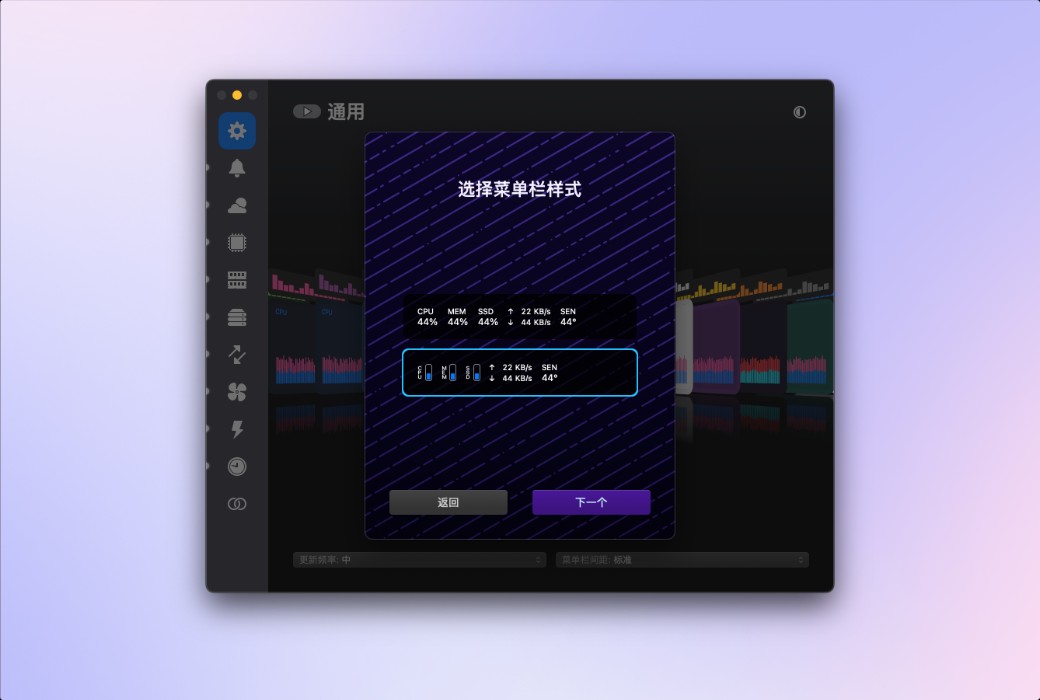
  1. Added menu bar mode, including stacked tabs and numerical display.
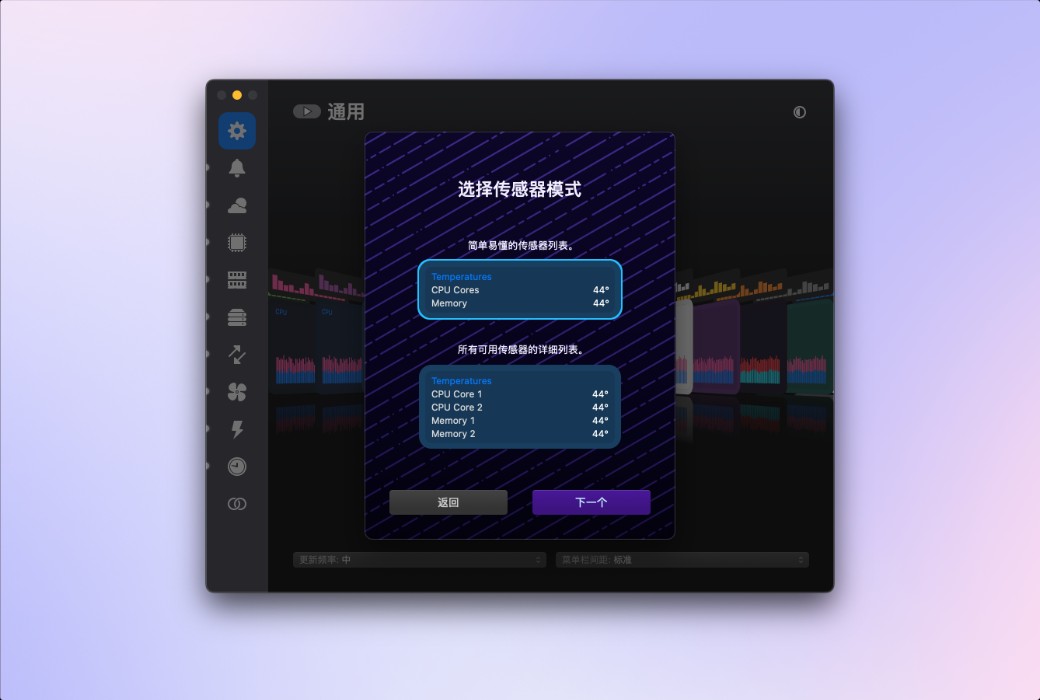
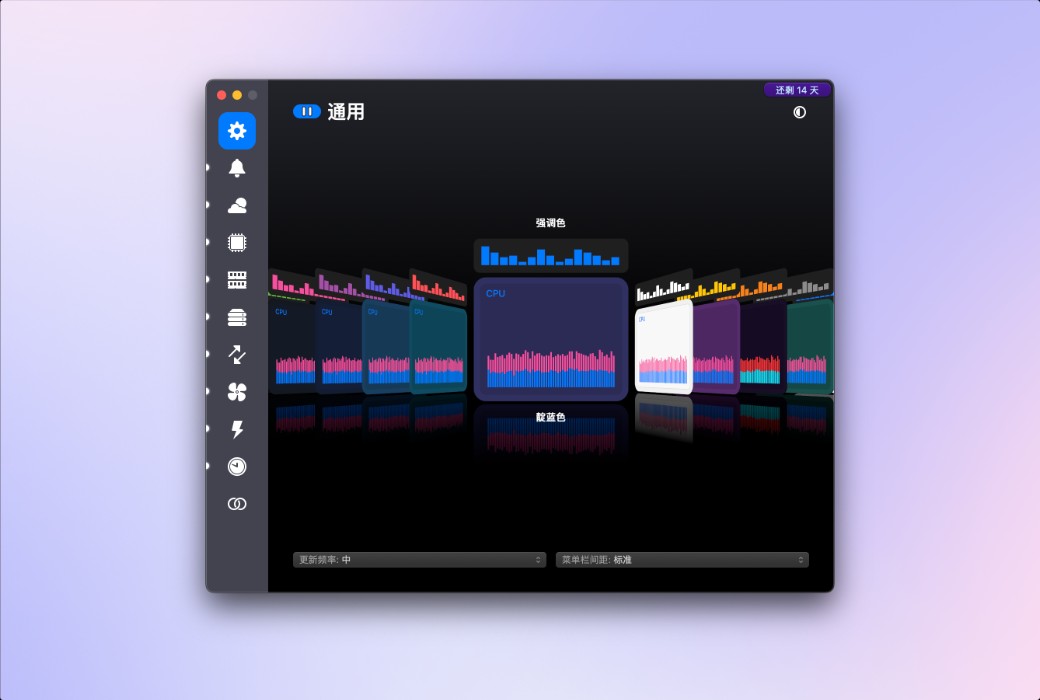
  2. Added menu bar items, such as Wi-Fi name and GPU frame rate. Frequency monitoring and more sensors for Apple Silicon Mac. More theme options and menu background colors. Fan speed can now be gradually increased, and the speed curve can be fully controlled.
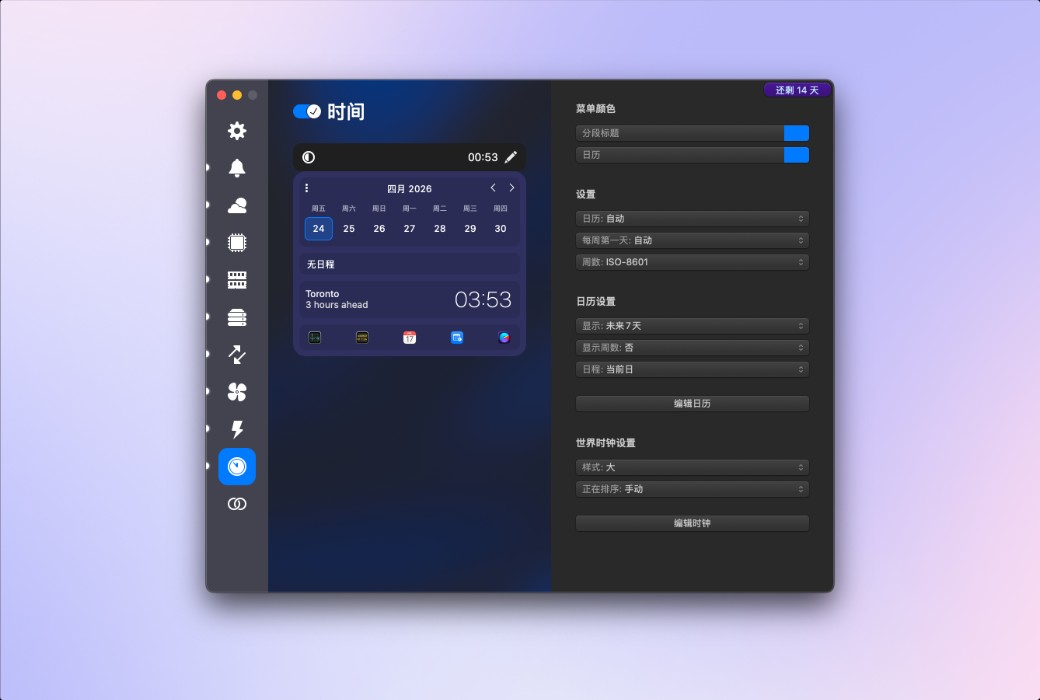
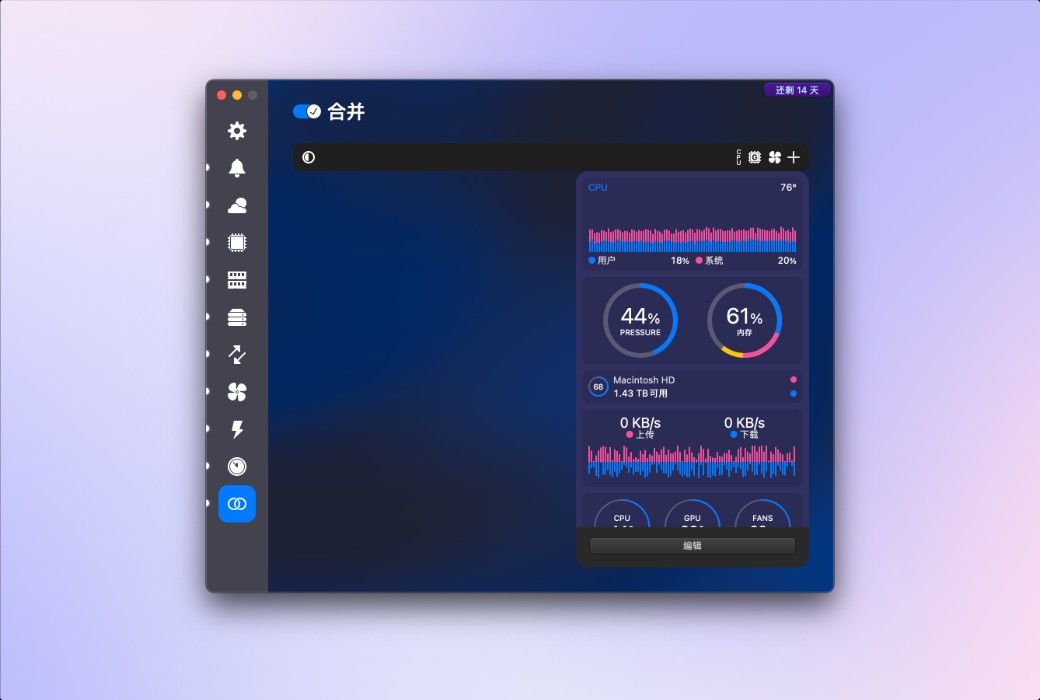
  3. The time menu now includes 7-day and 14-day rolling calendar modes. The combination mode has been significantly improved, now displaying any item in the menu bar with unique settings, and providing more menu options in the dropdown menu.


Weather


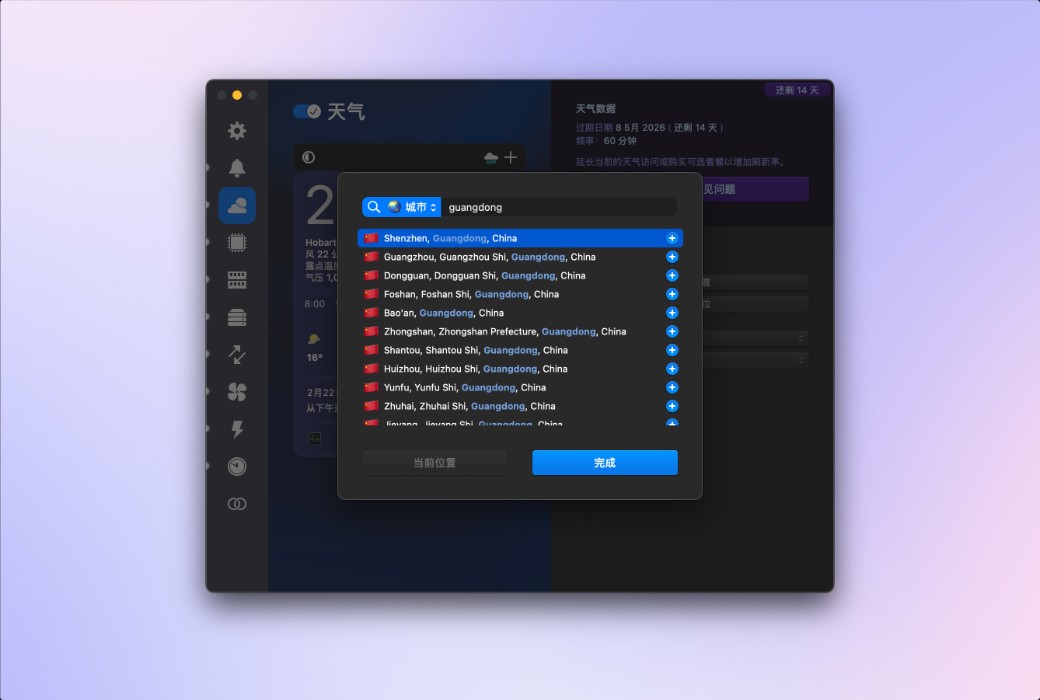
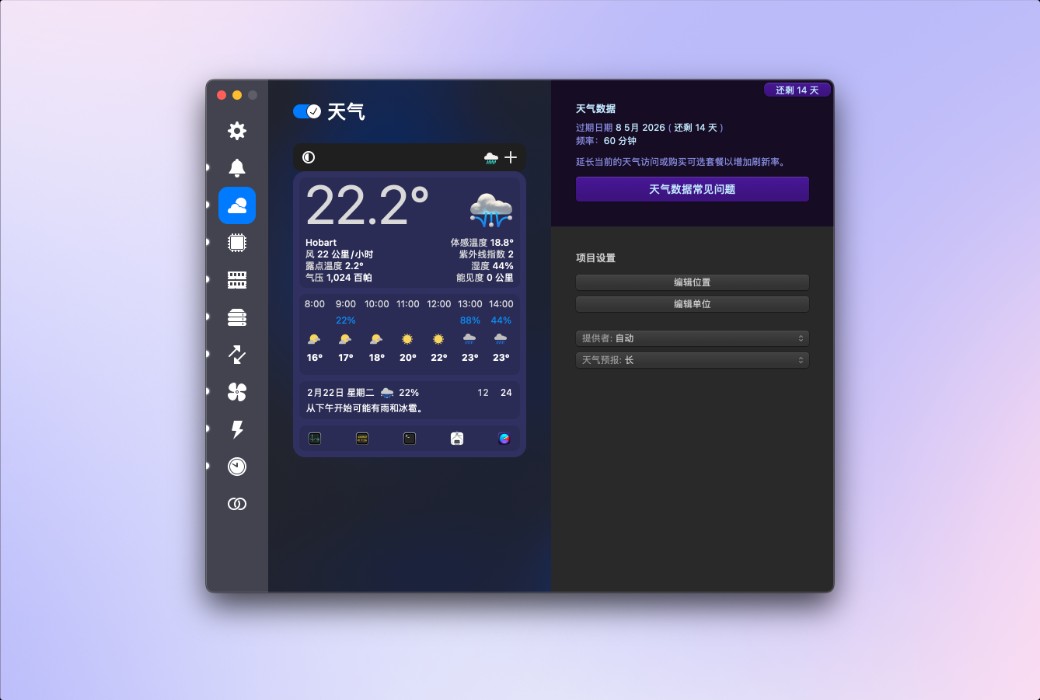
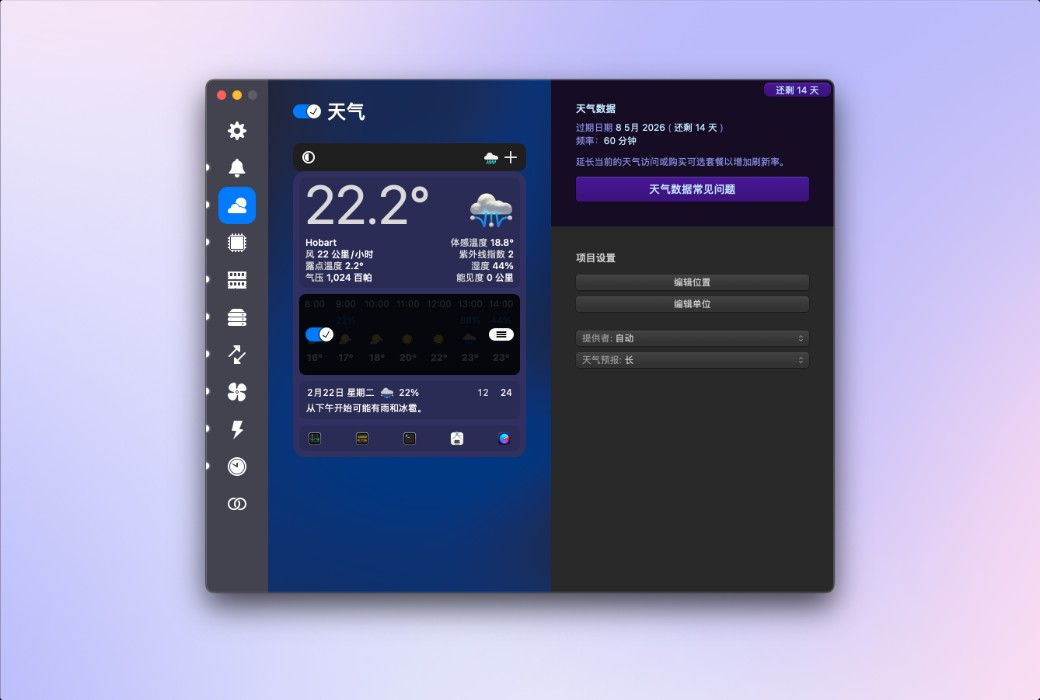
You can quickly browse the current weather conditions in the menu bar, or delve into extremely detailed hourly weather forecasts and weekly weather overviews, covering minimum and maximum temperatures, wind speed and direction, rainfall probability, humidity, dew point, UV index, air pressure, visibility, and more. iStat Menus can display weather based on your current location, or show weather for almost any region worldwide.


CPU and GPU


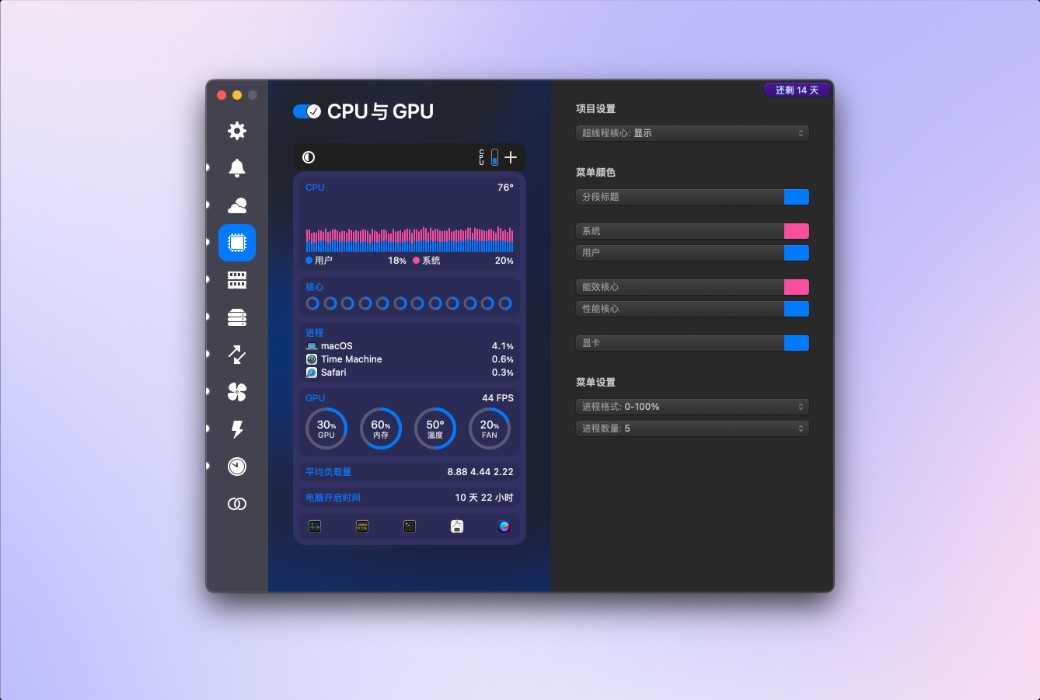
Provides highly detailed CPU information, including current usage of each core, historical charts, average load, runtime, CPU frequency, and a list of applications that consume the most CPU resources. You can set different styles for efficiency cores and performance cores according to your needs. Additionally, on supported Mac models, GPU processors, memory, temperature, and frequency are also displayed.

.
iStat Menus 7 macOS system status monitoring tool software LOGO

Official Website: https://bjango.com/mac/istatmenus/

Download Center: https://istatmenus.apsgo.cn

Delivery Time: Automatic delivery within 24 hours

Operating Platform: macOS

Interface Language: Supports Chinese interface display, with multiple languages available.

Update Instructions: Supports minor version updates, e.g., 7.xx.

Trial Before Purchase: Free trial available before purchase.

How to Receive the Product: After purchase, the activation information will be sent to the email address used for the order. You can also view the corresponding product activation code in your personal center, under "My Orders".

Number of Devices: Single-user license supports activation on one Mac; family license supports simultaneous activation on up to five Macs, making it suitable for families or users with multiple devices.

Changing Computers: Uninstall on the old computer and activate on the new one.

Activation Guide: To be added.

Special Instructions: To be added.

References: https://bjango.com/mac/istatmenus/

Any question

Submit
Ask a question
All Default Newest